Your own target
You choose the number. Change it whenever you need to.
CALORIE TRACKING, LIGHTENED UP.
Set your target. Add your meals.
Get back to the rest of your day.
What you’ve eaten. What remains.
All in one quiet little space.
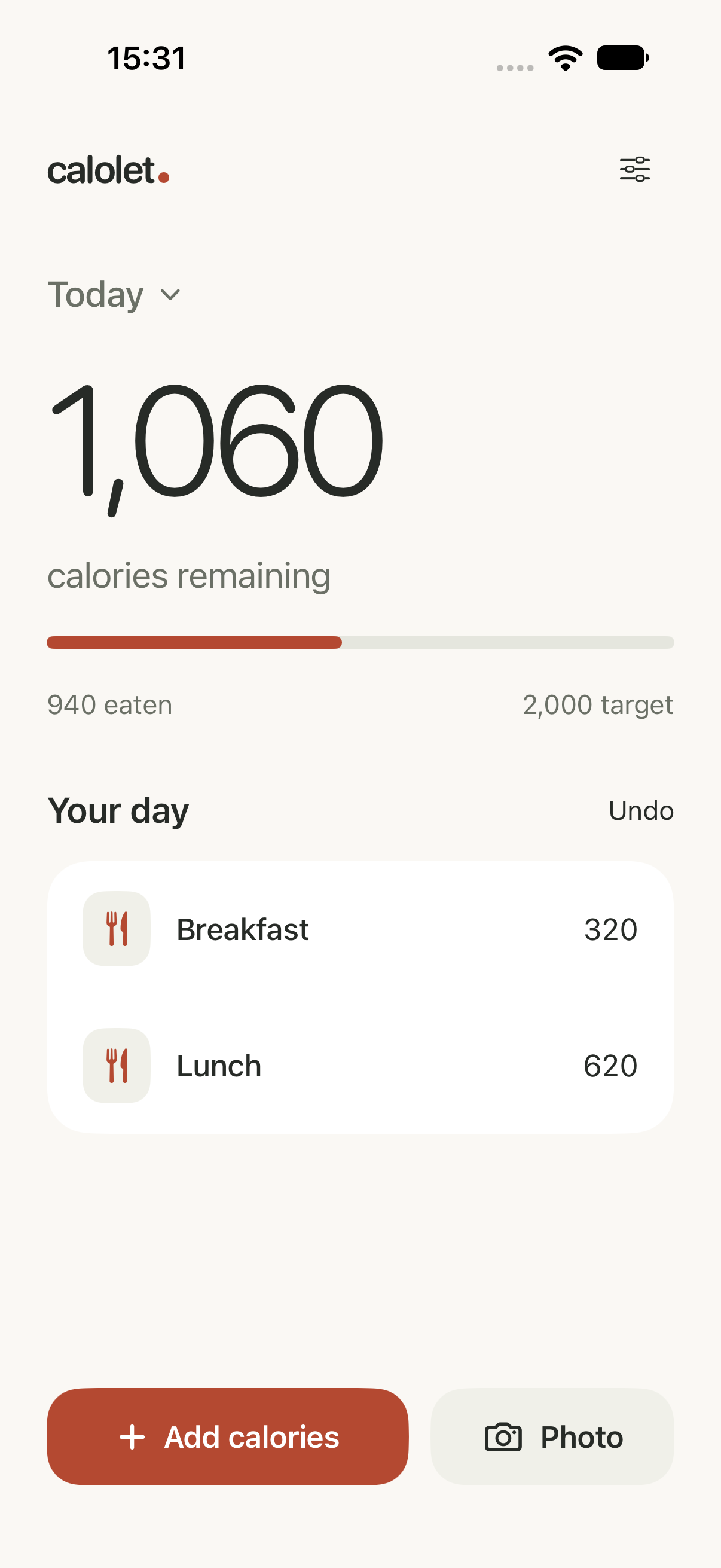
Only what
you need.
Nothing extra.
A SMALL APP. ON PURPOSE.
Calolet makes room for the essentials: your daily target, the meals you add, and one clear total. No macro charts. No complicated setup. Just a little less to think about.
You choose the number. Change it whenever you need to.
Add calories directly, reuse a recent meal or take a photo.
See today’s total, or look back through your previous days.
 Real app. Real Apple AI estimate.
LESS TYPING. MORE EATING.
Take a photo of your meal. Calolet estimates the food and portion on your iPhone, then gives you one calorie total, ready to add.
Something look off? Adjust details is there when you need it.
An estimate, not a measurement. Photos can’t reveal every ingredient or weigh your meal.
PERSONAL STAYS PERSONAL.
Your diary lives on your iPhone. Photo analysis happens there too.
BEFORE YOU GO.
Yes. Calolet focuses on your chosen daily calorie target and the meals you log. There are no protein, carbohydrate or fat targets to manage.
Apple AI identifies food and estimates the edible portion. Calolet then calculates calories using its food database. Results are approximate: hidden ingredients, oils and portion size can affect the total. You can correct the food or quantity, or enter calories yourself.
Photo estimates need iOS 27, an Apple Intelligence-compatible iPhone and its on-device model ready. Calolet checks availability for you. Manual calorie logging works on iOS 26 or newer.
Yes. The diary works offline, and photo analysis runs on-device once the required Apple AI model is downloaded and ready. Photos aren’t saved in your diary. Your diary may be included in device backups according to your iPhone settings.
Calolet is in development for iPhone. Download details will appear here when the public release is ready.

Your calories.
Simply.